Scorewright’s newest update is out now! We’ve added a number of new improvements and features to the editor:
Lots of you have been asking for a metronome, so we’ve gone all out.
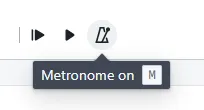
First, the basics: To turn the metronome on, press “M” or click the new metronome button next to the play button. When you play back your score you’ll hear a metronome counting along.
For more customizability, navigate to Playback > Metronome settings.
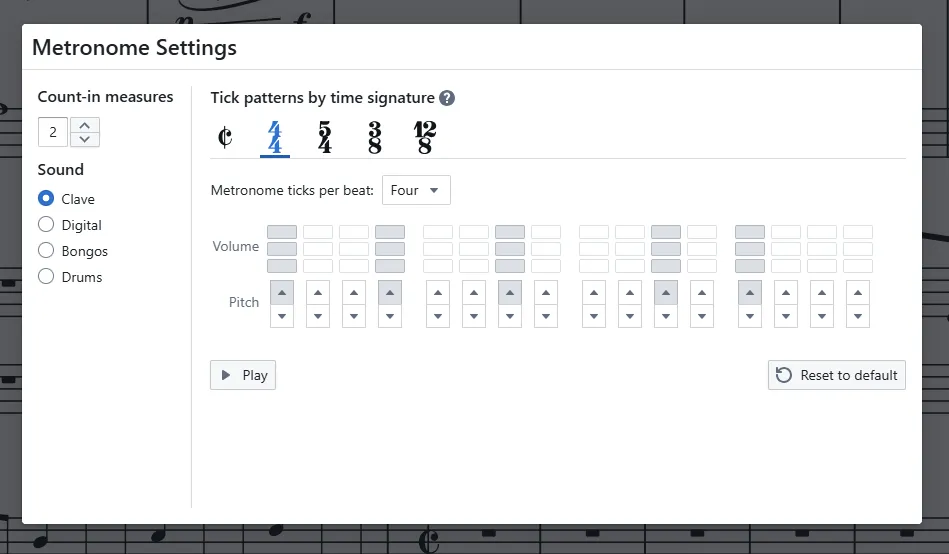
In the metronome settings dialog you can configure

The tempo editor has two new upgrades.
You can now tap your own tempo directly in the editor. This is especially helpful when transcribing, so you can get the tempo exactly right.
You can also listen back to the tempo to make sure it’s perfect without needing to go back and forth between the tempo editor and the score.

Hairpins, slurs, dynamics, tempo, pedal markings, and more are now placed beautifully by default without overlap.
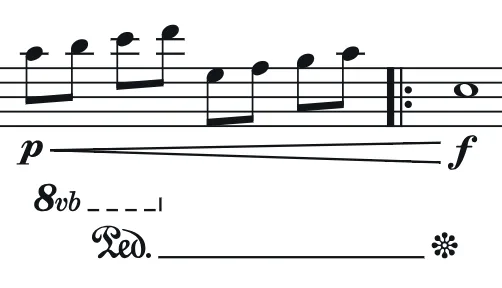
Check out how the hairpins make way for the dynamics:
Head to View > Formatting to check out the all-new music font setting! Choose between 5 music font options to customize the look of the notes in your score.

We have lots planned for global formatting, including global font settings, spacing and style configurations, and more music font options. Stay tuned for more!
In the parts menu, you can now opt to insert new parts in standard score order, which will keep your larger scores organized as they grow.
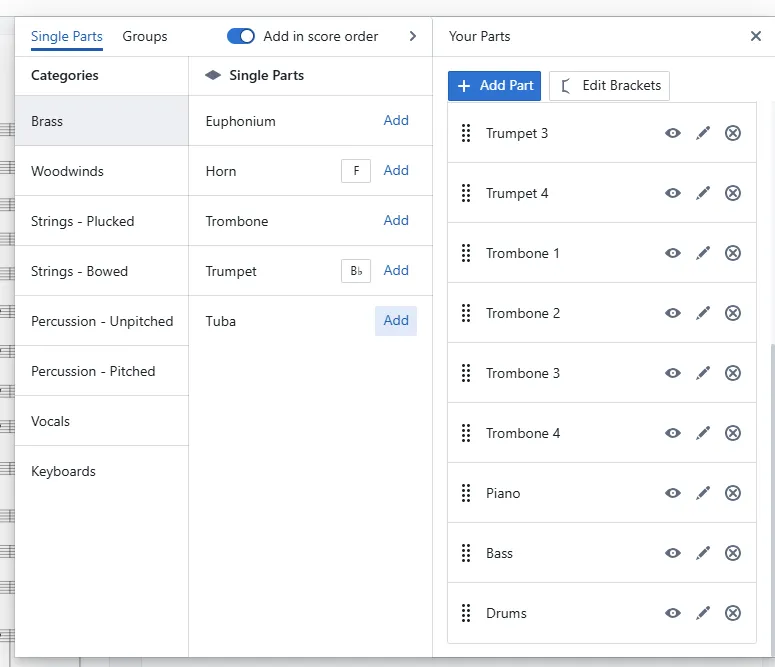
If you choose to leave it off, parts will continue to be added to the bottom of the score.
We’re looking for detailed feedback on Scorewright. If you’d like to help shape the future of Scorewright book a 15 minute call with us. You can also join our Discord server to leave us written feedback.
If you haven’t already, check out the updates from our last release, the official Scorewright Version 1 update.
♫
